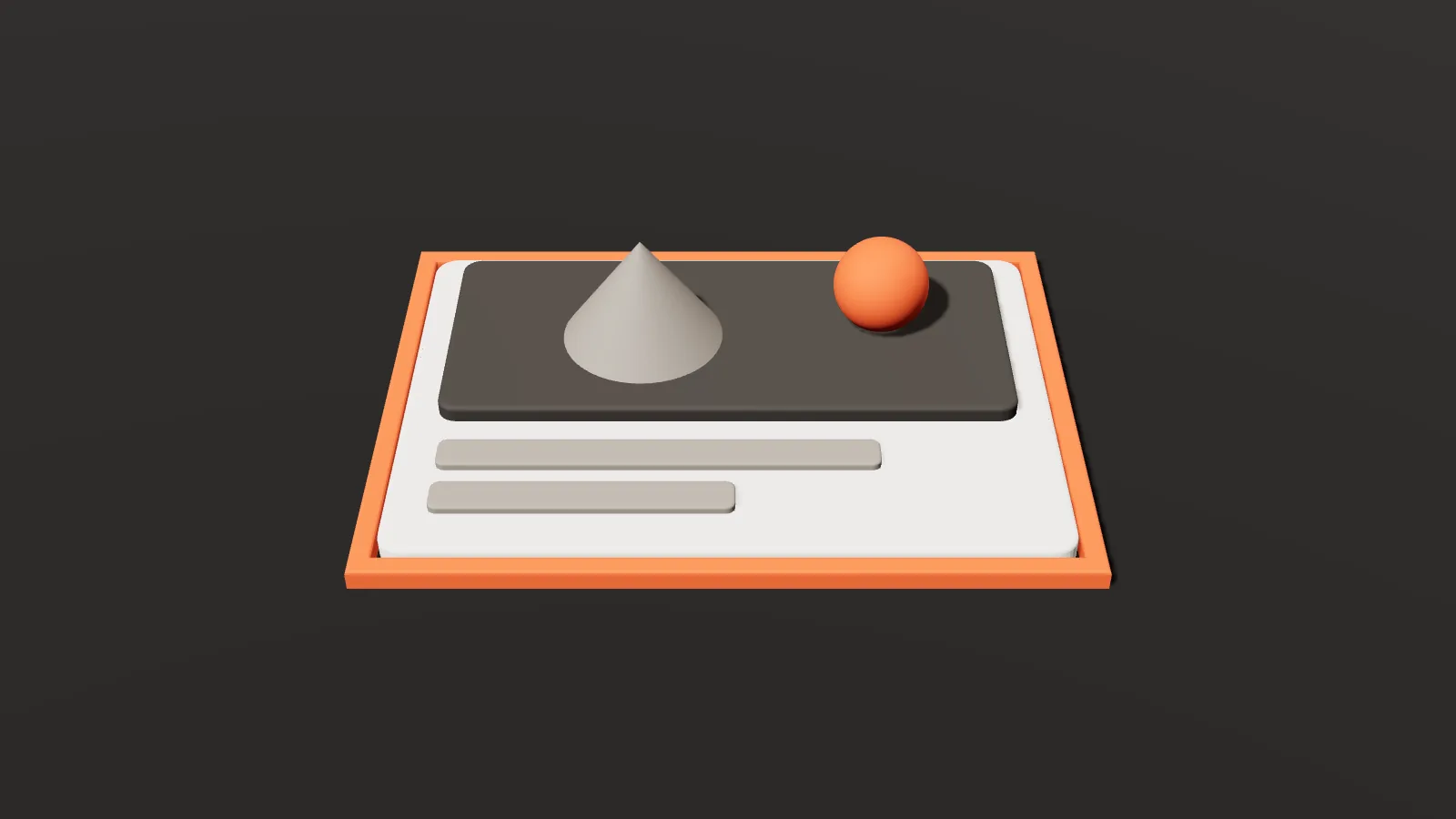
You send a link to your article or product in a WhatsApp group, and it appears as a long blue line with no image — or with a cropped logo, or a page title unrelated to the content. Meanwhile, a competitor’s link shows up as a neat card: a clear image, a compelling title and a short description. The difference isn’t the content; it’s a handful of small tags in the code called Open Graph.
Sharing on WhatsApp, Facebook, LinkedIn and X is one of the biggest sources of traffic for websites and stores in Saudi Arabia and the Gulf, and every share is a small free ad. This guide explains how to make that ad work for you.
What are Open Graph tags?
They’re meta tags inside the page’s <head>, originally introduced by Facebook and now read by most platforms and messaging apps. When a link is shared, the platform visits the page and reads these tags to decide what to show. The most important:
| Tag | What it does |
|---|---|
| og:title | The card’s title |
| og:description | The short description under the title |
| og:image | The share image — what catches the eye most |
| og:url | The page’s canonical URL |
| og:type | Content type: website, article, product |
| og:site_name | Your site’s name |
| twitter:card | The card style on X: large or small image |
X falls back to Open Graph tags if it doesn’t find its own twitter tags, but the twitter:card tag is needed to set the card style.
Title and description: not necessarily a copy of your SEO title
An SEO title is written for someone searching Google with clear intent. A share title is read by someone scrolling their chats or feed without looking for anything. So it can be more curiosity-driven and less keyword-focused.
- Title: short and clear — around 60 characters is safest, since platforms cut long titles.
- Description: one or two sentences that complement the title; most platforms show only the first 110–150 characters, and some hide the description on mobile.
- Don’t repeat the site name in the title if it’s already in og:site_name.
For the difference between the two, read our SEO title and description guide.
The share image: the most important element
The image takes up most of the card and is what stops the scrolling thumb. Practical rules:
- Size: 1200 × 630 px (a 1.91:1 ratio) is the common size that works well on most platforms.
- Safe area: some platforms or display modes crop the image or show it square; keep text and logo in the centre.
- Little, large text: the image appears small on phones, so a three-word headline beats a paragraph.
- A full URL starting with https, reachable without logging in — not a relative path.
- A reasonable file size: a very heavy image may not display in some apps or may load late; good-quality compression is enough.
- An image for every important page: the product photo for product pages, the article image for each post, and a general brand image as a fallback.
For other platform sizes, see our social media sizes tool.
Our Open Graph generator writes the full set of tags, shows an approximate preview of the card on Facebook, WhatsApp and X, and warns you if the title is long, the image URL is relative or http, or the image is smaller than recommended.
Where to add the tags
- WordPress: most SEO plugins add Open Graph automatically from the page title and featured image, with fields to customise the share title, description and image. Make sure every post and page has a featured image.
- Shopify: most themes add the tags automatically from product and page data, and you can set a default share image in the store or theme settings.
- A custom site: paste the tags inside
<head>on every page, with values specific to each.
Watch for duplicates: two plugins, or a theme and a plugin, each writing different og tags make the platform pick at random. View the page source and search for og: to confirm there’s only one set.
Why doesn’t the preview update after a change?
Platforms cache link data when it’s first shared and don’t re-read it every time. If you change the image or title, the old version may keep appearing. The fixes:
- Facebook: the Sharing Debugger shows what Facebook reads and lets you request a fresh scrape.
- LinkedIn: the Post Inspector does the same job.
- WhatsApp: there’s no public refresh tool, and updates can take time. For quick testing, add a parameter like
?v=2so it’s treated as a new link — while keeping og:url stable.
Details that make the difference
- og:locale sets the content language, such as
ar_SAfor Arabic pages. - og:image:alt describes the image, which helps accessibility.
- og:url should match the canonical URL so shares consolidate on one link.
- Campaign links: when sharing a link in a campaign, add UTM parameters for tracking while og:url stays on the clean URL.
- Pre-filled WhatsApp messages: when you use a WhatsApp link with a pre-filled message that includes your site URL, the preview card appears in the chat — so make sure it’s ready.
Before and after: the same page with different tags
| Before | After | |
|---|---|---|
| Title | Home | Elegance Store | Abayas | Dresses | Sale | The New Winter Collection Has Arrived |
| Description | None (the platform grabs the first text on the page) | Crepe and wool abayas in sizes 52–62, delivered within 48 hours in Riyadh. |
| Image | A cropped logo | A 1200 × 630 image of three abayas with a short headline in the centre |
The content is the same, but the second card tells the person in the chat why they should click.
A checklist before sharing an important page
- View the page source and confirm og:title, og:description and og:image each appear only once.
- Open the image URL directly in a private window to make sure it works without logging in.
- Test the link in Facebook’s or LinkedIn’s debugging tool before launch.
- Send the link to yourself on WhatsApp and check the card on your phone.
- Make sure the title and image fit the page itself, not the site’s default image.
Key takeaways
- Open Graph tags set your link’s title, description and image when shared.
- Use a 1200 × 630 image with key elements centred and a full https URL.
- Write a short, curiosity-driven title and a description that complements it.
- Make sure there’s only one set of tags on each page.
- Use each platform’s debugging tool to refresh previews after changes.
Frequently asked questions
Does Open Graph affect SEO?
It isn’t a direct ranking factor in Google, but it affects clicks when shared — and traffic from shares is an important part of any site’s growth.
Why does my logo show instead of the article image?
Usually because the article has no featured image, so the plugin falls back to the default — or because tags are duplicated. Add a dedicated image and check for duplicates.
Do I need a different image for each platform?
In most cases, one 1200 × 630 image with centred elements works across all platforms.
Every link your customers share is a chance for a new visit. Prepare your pages’ tags and preview them with our free Open Graph generator — and if you want a site that looks professional in both search and sharing, get in touch.